GIZMORY
GIZMORY GUIDE
What can I do without a Gizmory account?
You can start your personal device records and Chronicle without an account. Participating in the Lounge and using cloud features tied to an account require you to sign in.
Start your personal records on your device
You can record devices and build a Chronicle without creating an account when you first open the app. Starting without an account does not mean every feature is free or unlimited. Check the app for the current free and Pro feature availability.
Sign in to join the Lounge
To post or comment in the Lounge, sign in and create a community profile. Your personal records and photos are not all posted automatically. Review the content and photos you choose to share before publishing.
Check backup and sync separately
Local records and account-based cloud backup are separate features. Cloud features require sign-in and may have their own access conditions. Before changing devices or deleting the app, check your actual backup status and the restore instructions in the app. Also check which original photos are included.
If you want to delete your account
See the account deletion instructions (Korean) for the steps and the data affected. Deleting an account and removing personal records from your device are different actions, so read the deletion screen carefully before proceeding. For help in English, visit Support.
Official information
This guide explains Gizmory’s features. Visit the Gizmory home page for an overview, the Privacy Policy for details about data handling, or Support for help.
More guides
Record the phones you used to own
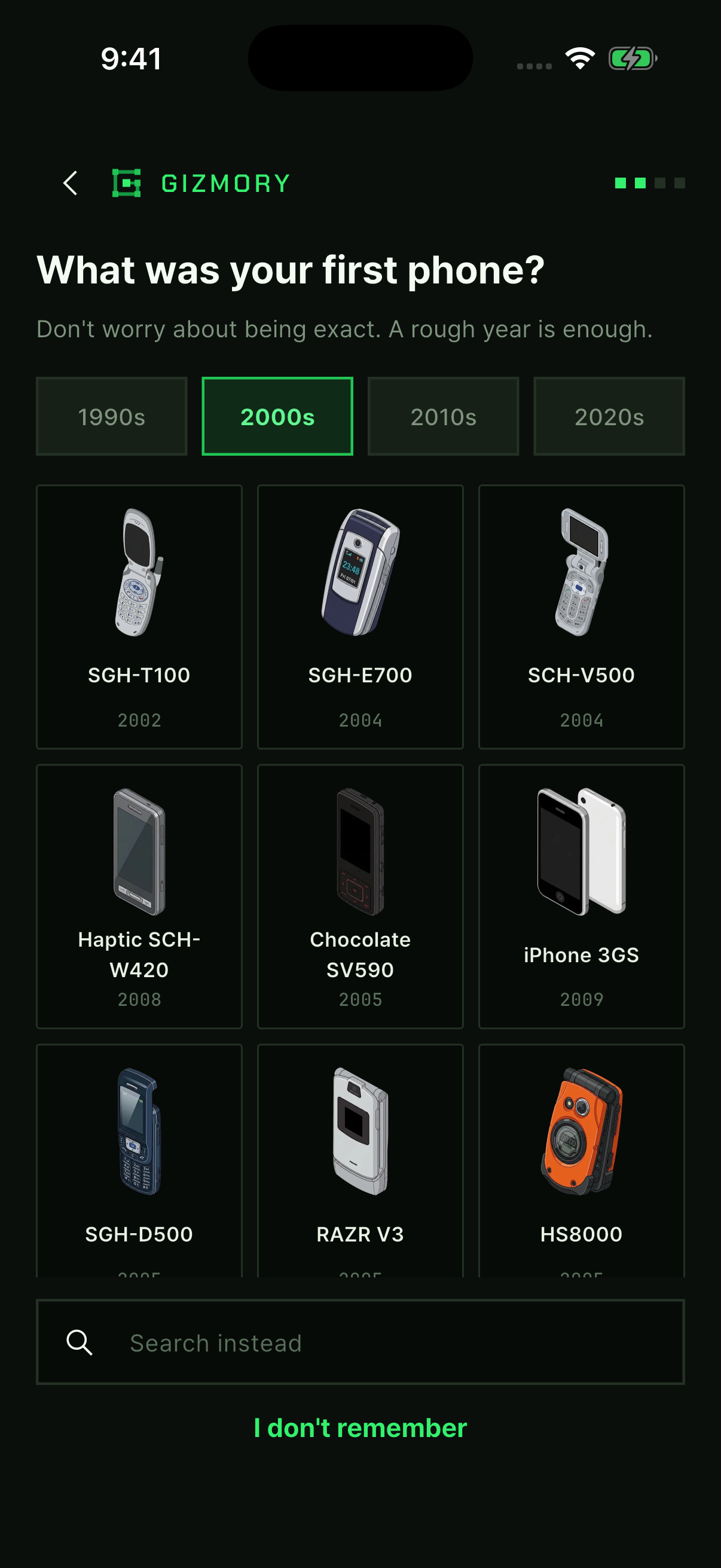
Find an old phone in the Gizmory catalog and add when you used it and its status. Build your timeline one device at a time, even if you do not remember the exact dates.
Follow along with real app screens ↗Make your own device cards in Studio
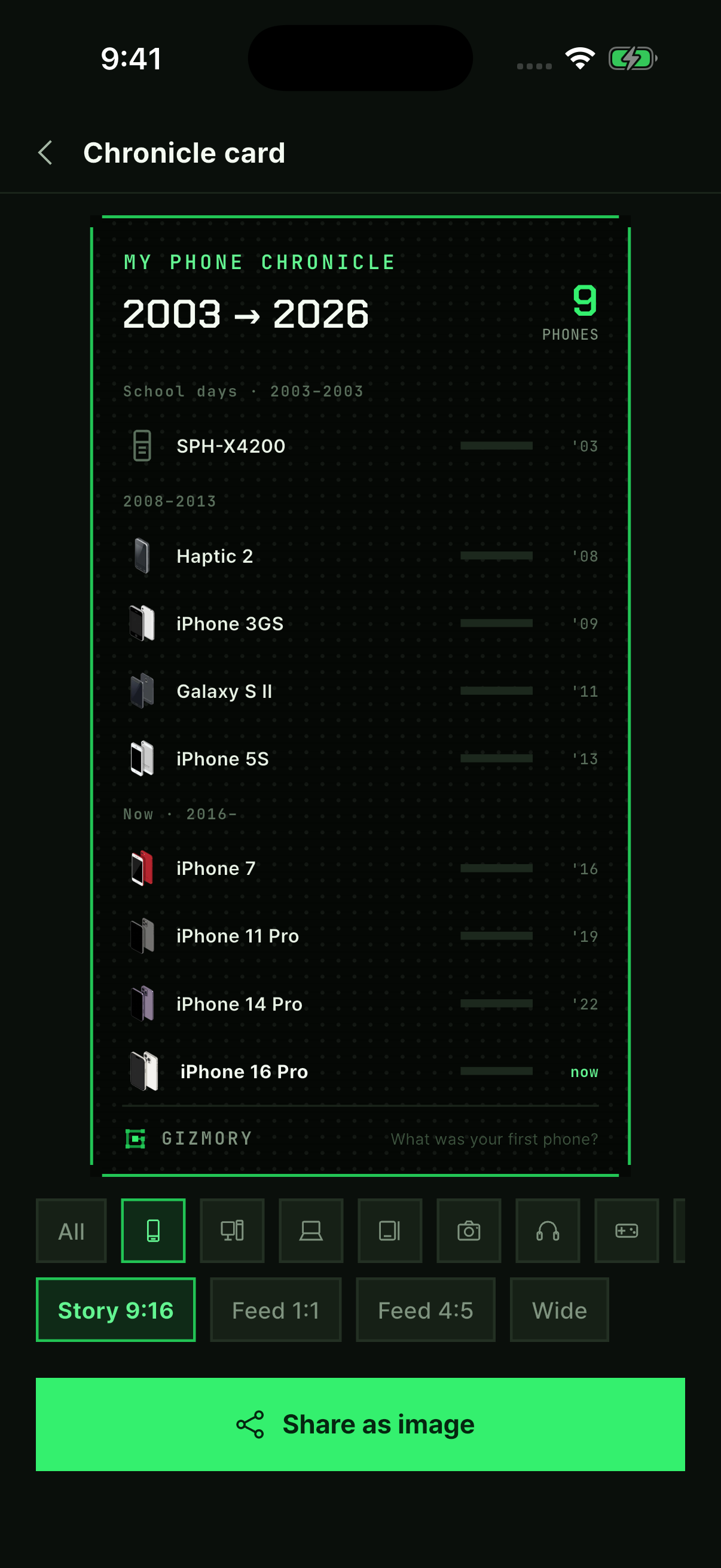
Follow real app screens to make a timeline card, a sticker poster, or today’s Gear Fit. Turn your device records into images to save and share.
Follow along with real app screens ↗Find old devices using photo information
Use the make and model stored in a photo’s EXIF information to find possible matches for old devices. Learn how on-device analysis works and when a match may not be available.