GIZMORY
GIZMORY GUIDE
Find old devices using photo information
If a photo still contains the make and model of the device that took it, Gizmory can read that information on your device to suggest an old phone or camera you may have used.
Does it recognize objects in a photo?
This feature does not identify a phone by how it looks in a picture. It reads clues in the photo file’s EXIF information, such as the manufacturer, model, and date taken. It helps you find the device that took the photo.
Review a match before adding it
- Open the app’s feature for finding devices from photo information.
- Review the photo access prompt from your operating system and choose which photos to make available.
- Check the suggested model and shooting dates to see whether it is a device you used.
- Confirm the matches you want to add to your Chronicle. Suggestions are not added automatically.
Which photos might not give a result?
Photos without shooting information, screenshots, and images whose metadata was removed by messaging or editing apps may not identify a model. Even when metadata is present, the catalog may not have a matching device, or the model name may be ambiguous. Treat results as suggestions to review.
Are my photos uploaded to a server?
This analysis runs on your device. It does not send the original photos or their original shooting information to a server for analysis. Choosing to post a photo in the Lounge is a separate action. Read the Privacy Policy for details about data handling.
Official information
This guide explains Gizmory’s features. Visit the Gizmory home page for an overview, the Privacy Policy for details about data handling, or Support for help.
More guides
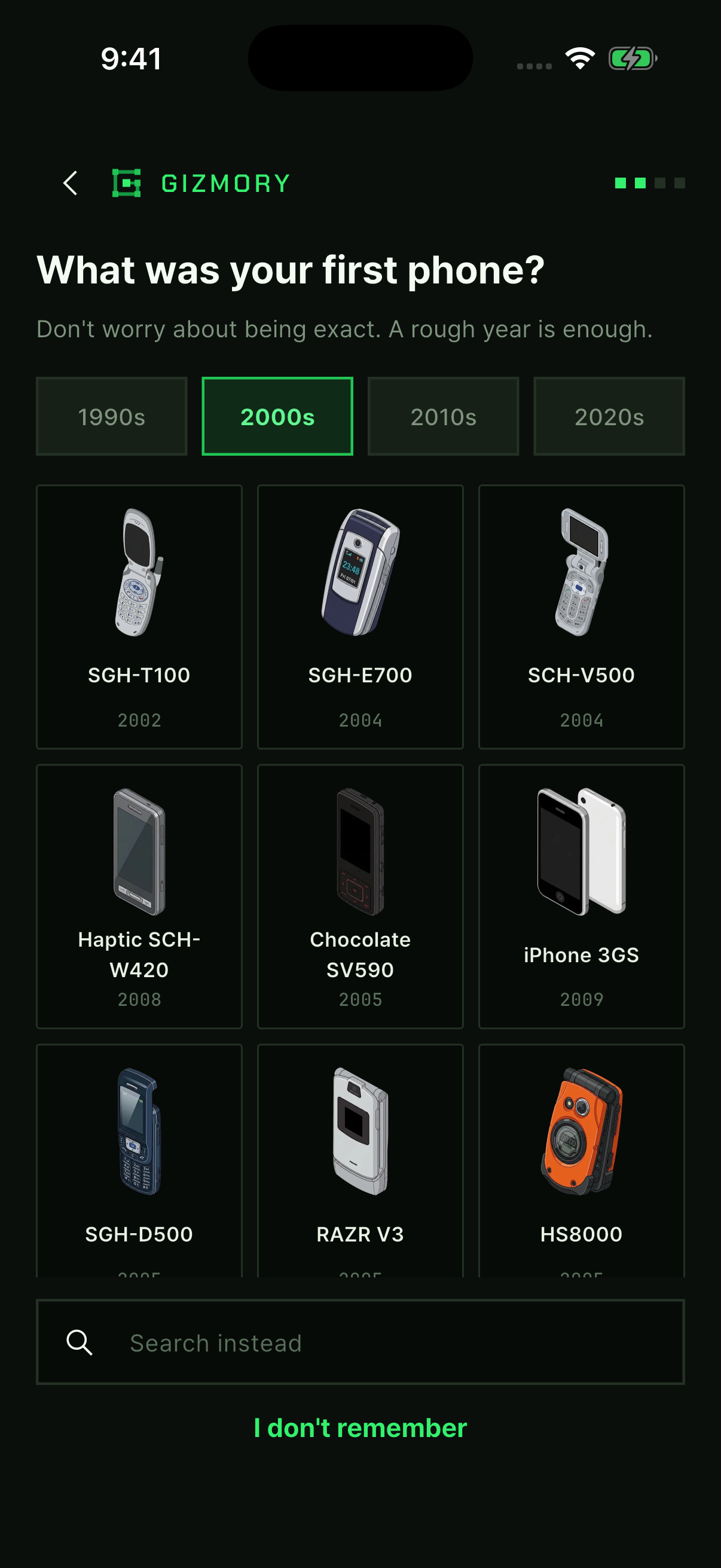
Record the phones you used to own
Find an old phone in the Gizmory catalog and add when you used it and its status. Build your timeline one device at a time, even if you do not remember the exact dates.
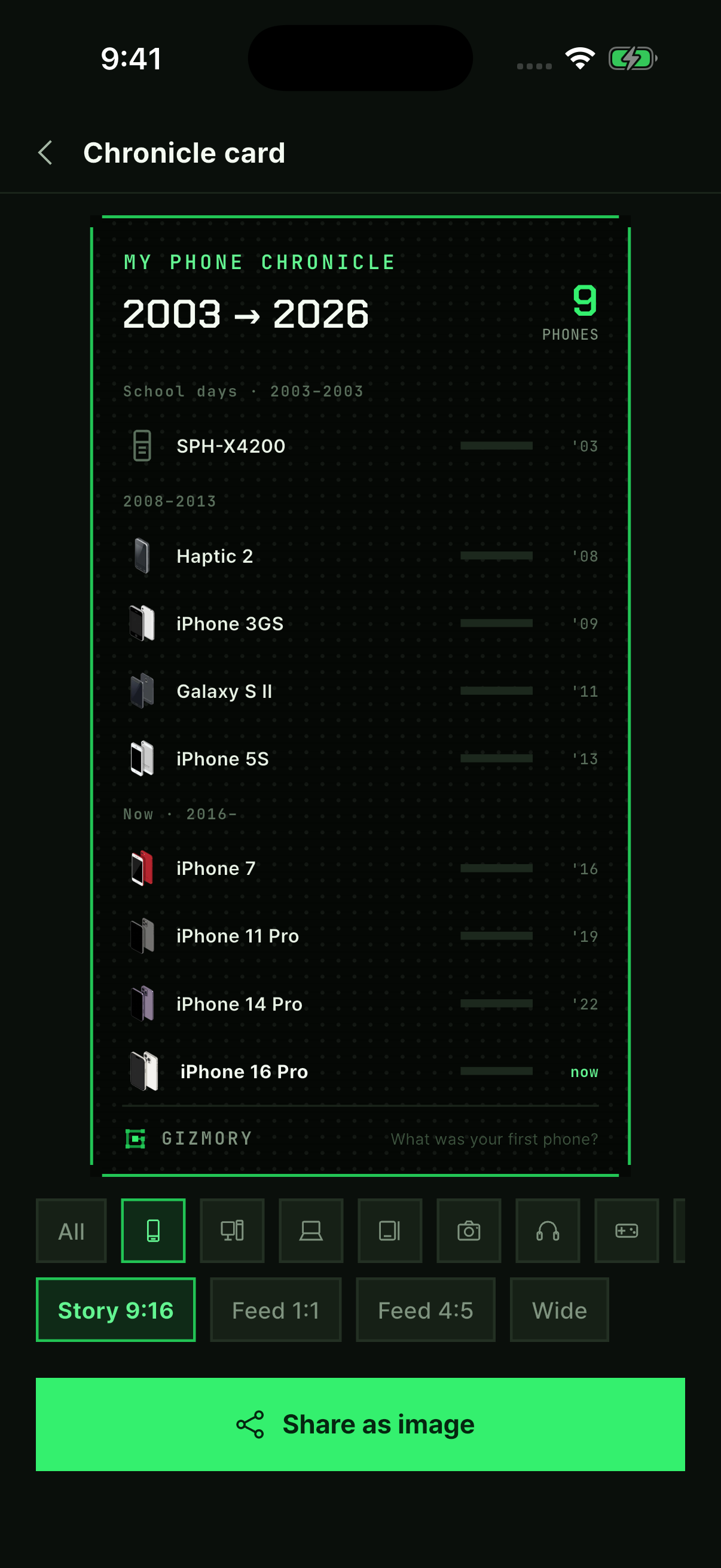
Follow along with real app screens ↗Make your own device cards in Studio
Follow real app screens to make a timeline card, a sticker poster, or today’s Gear Fit. Turn your device records into images to save and share.
Follow along with real app screens ↗What can I do without a Gizmory account?
Learn which personal device records you can keep without an account and which Lounge and cloud features need a sign-in. Check how your records and shared photos are handled.